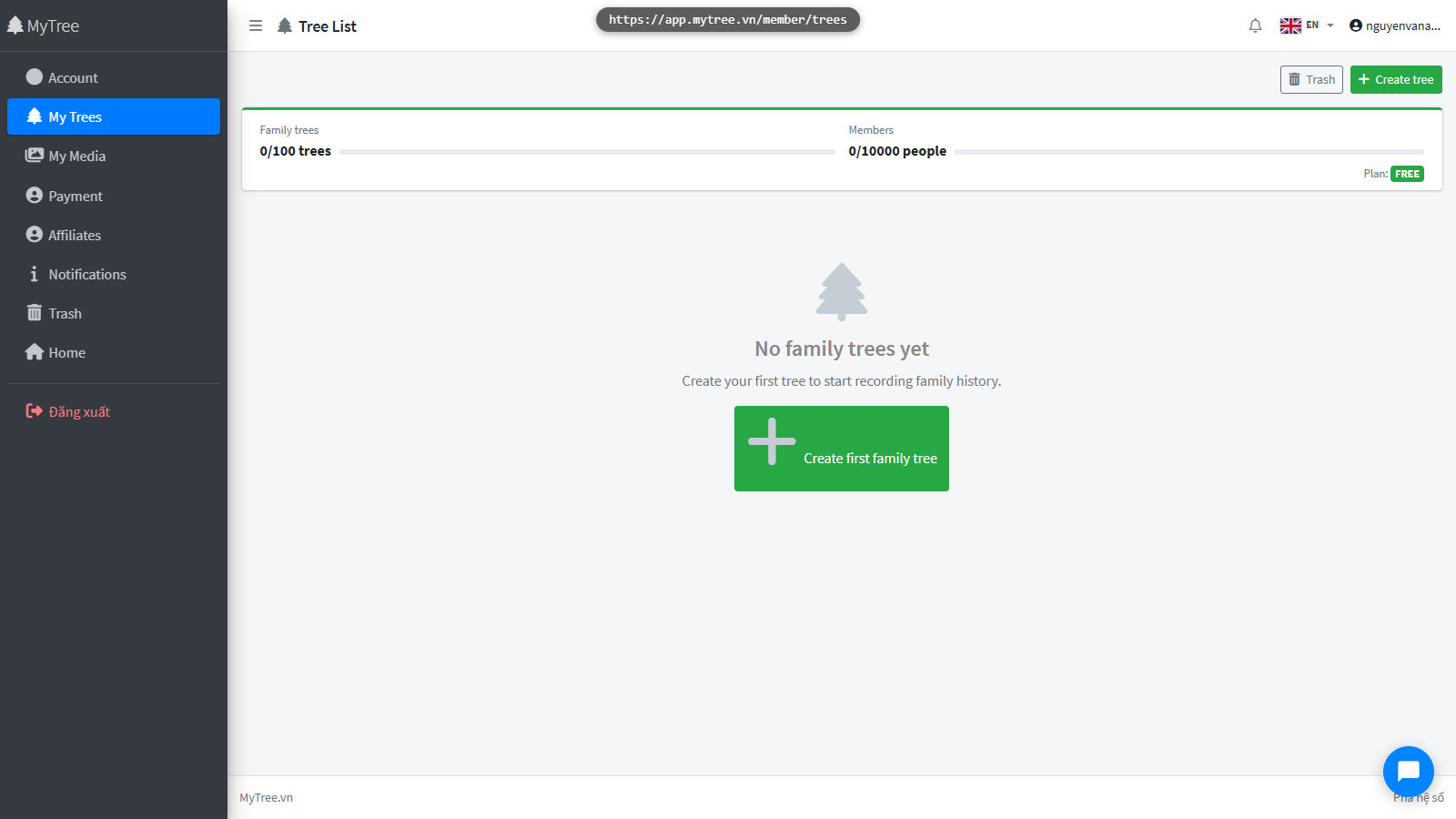
Register & Log In
Step 1: MyTree Homepage
This is the MyTree homepage — an app for managing and preserving your family genealogy.

Step 2: Click Login / Register Button
Click the Login button
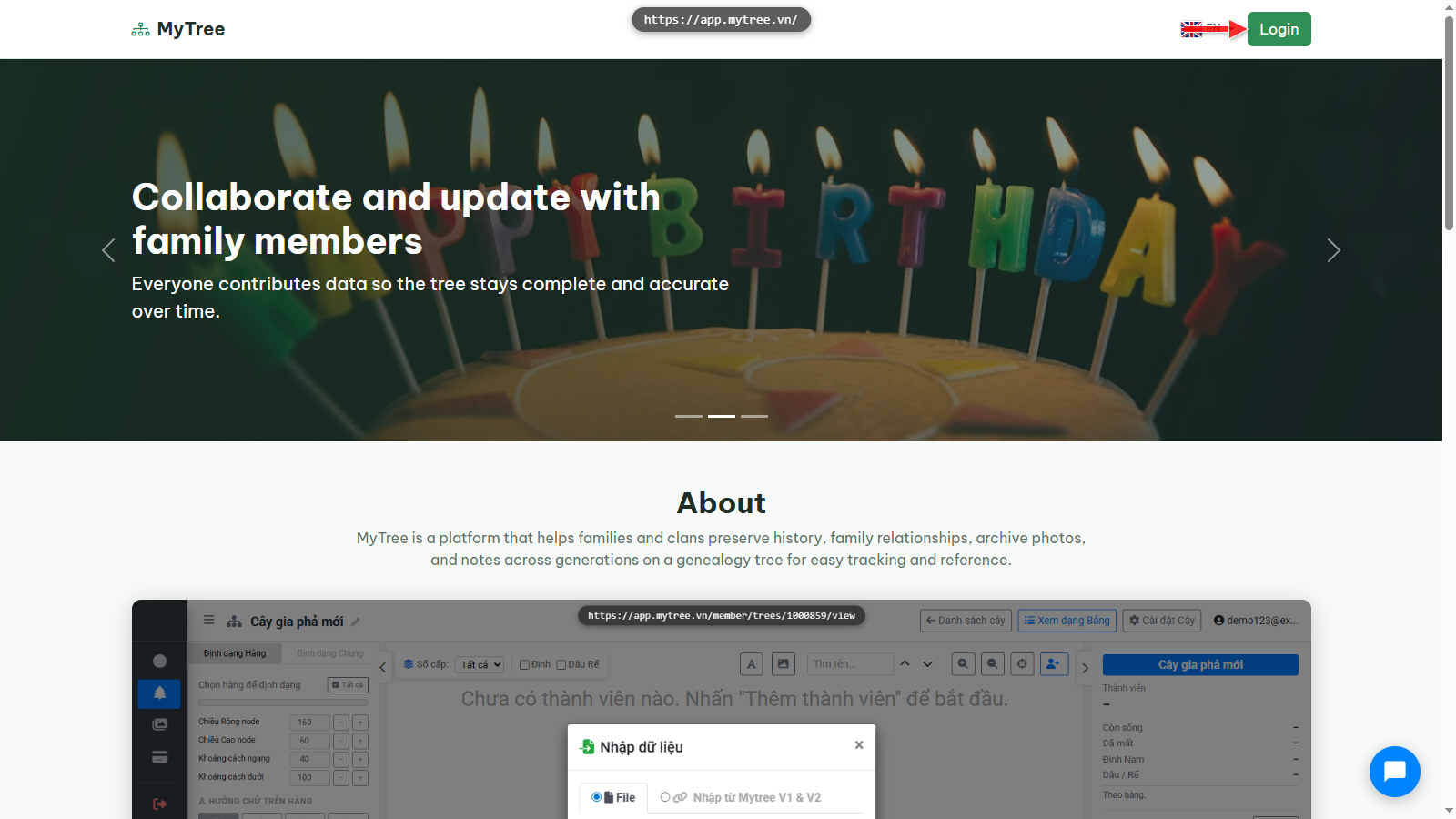
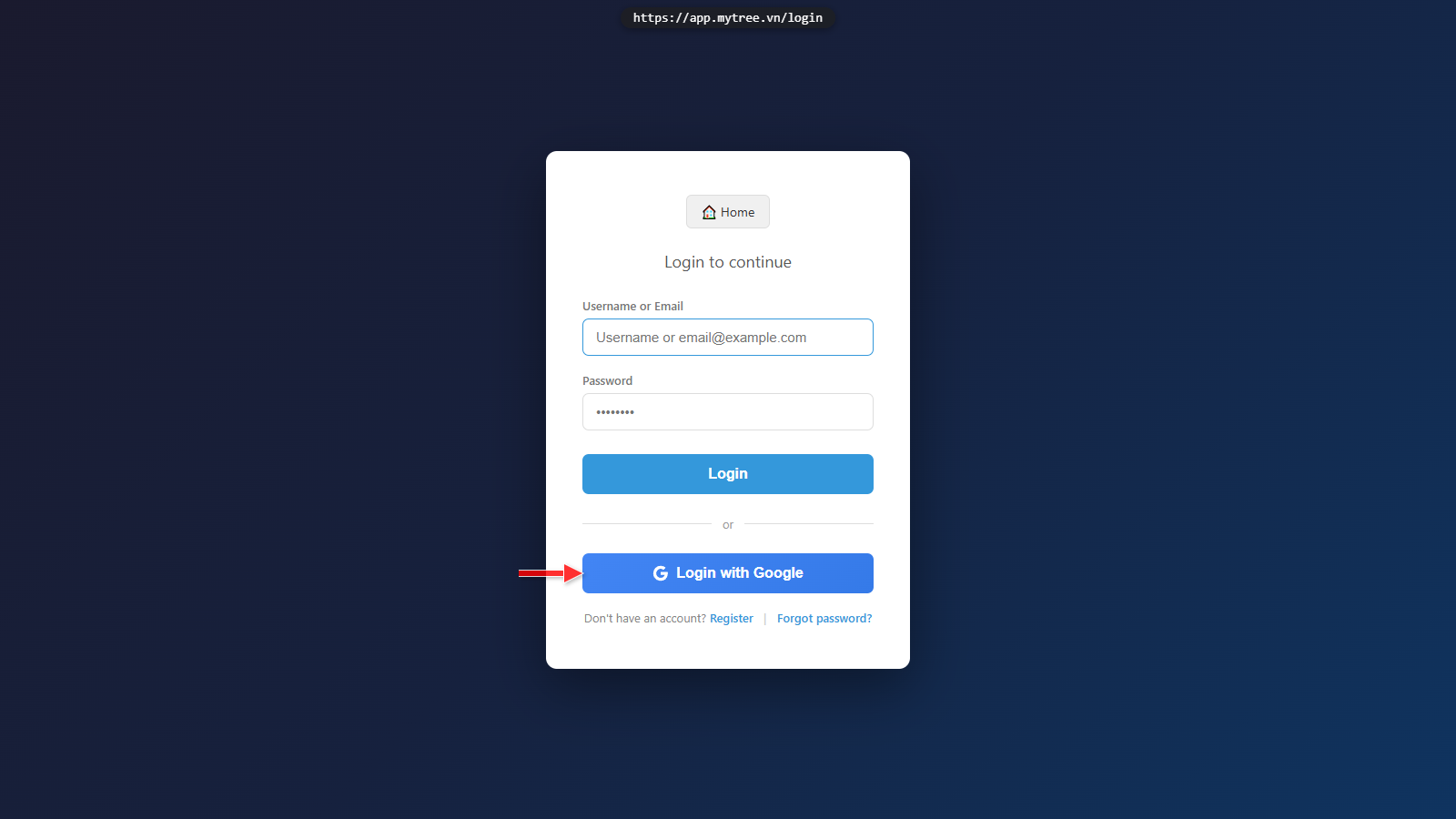
Step 3: Log In with Google
If you have a Google account, you can quickly register or log in using Google by clicking the button below.
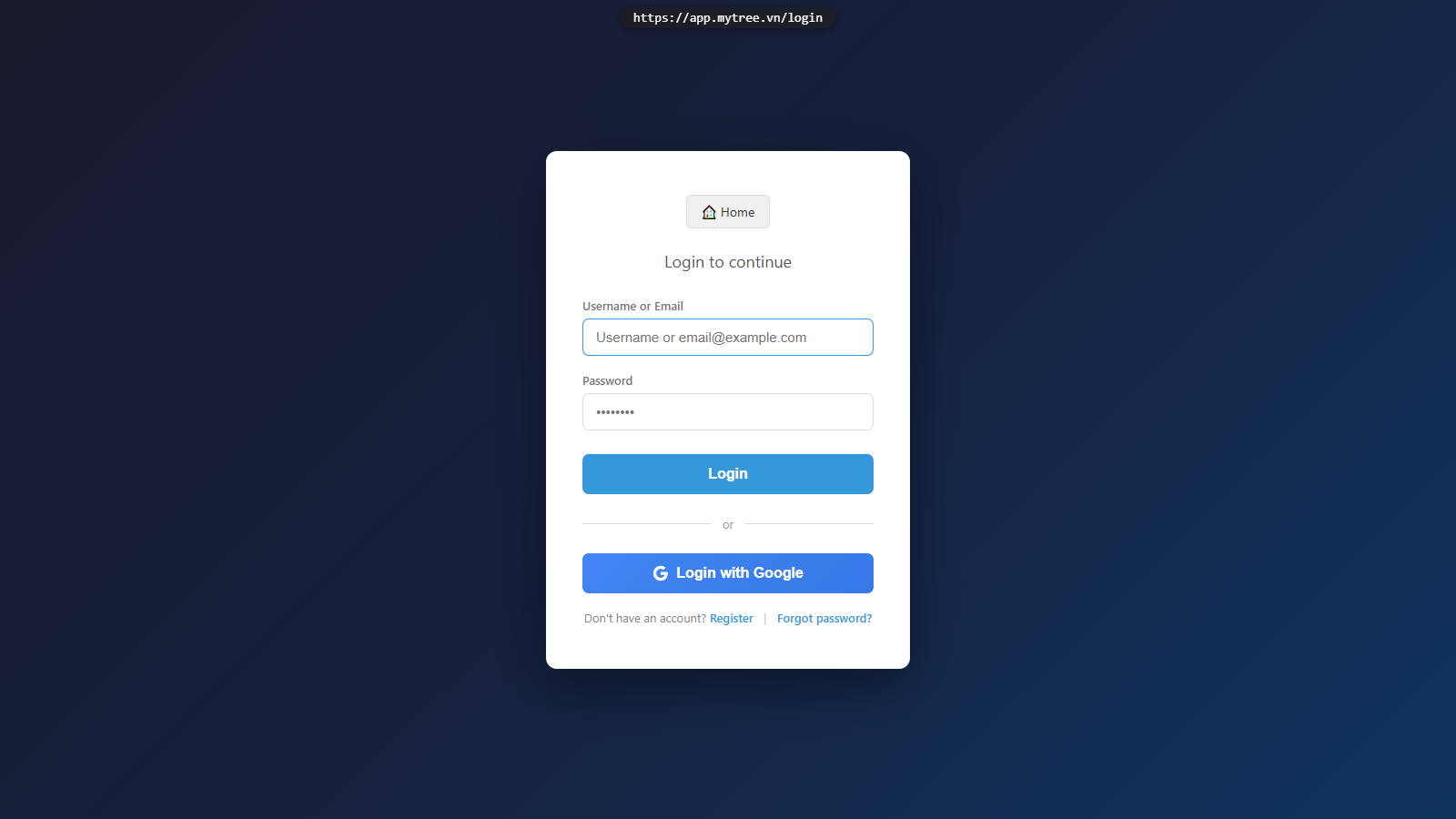
Step 4: Email Registration Option
Or create an account the traditional way with an email and password.
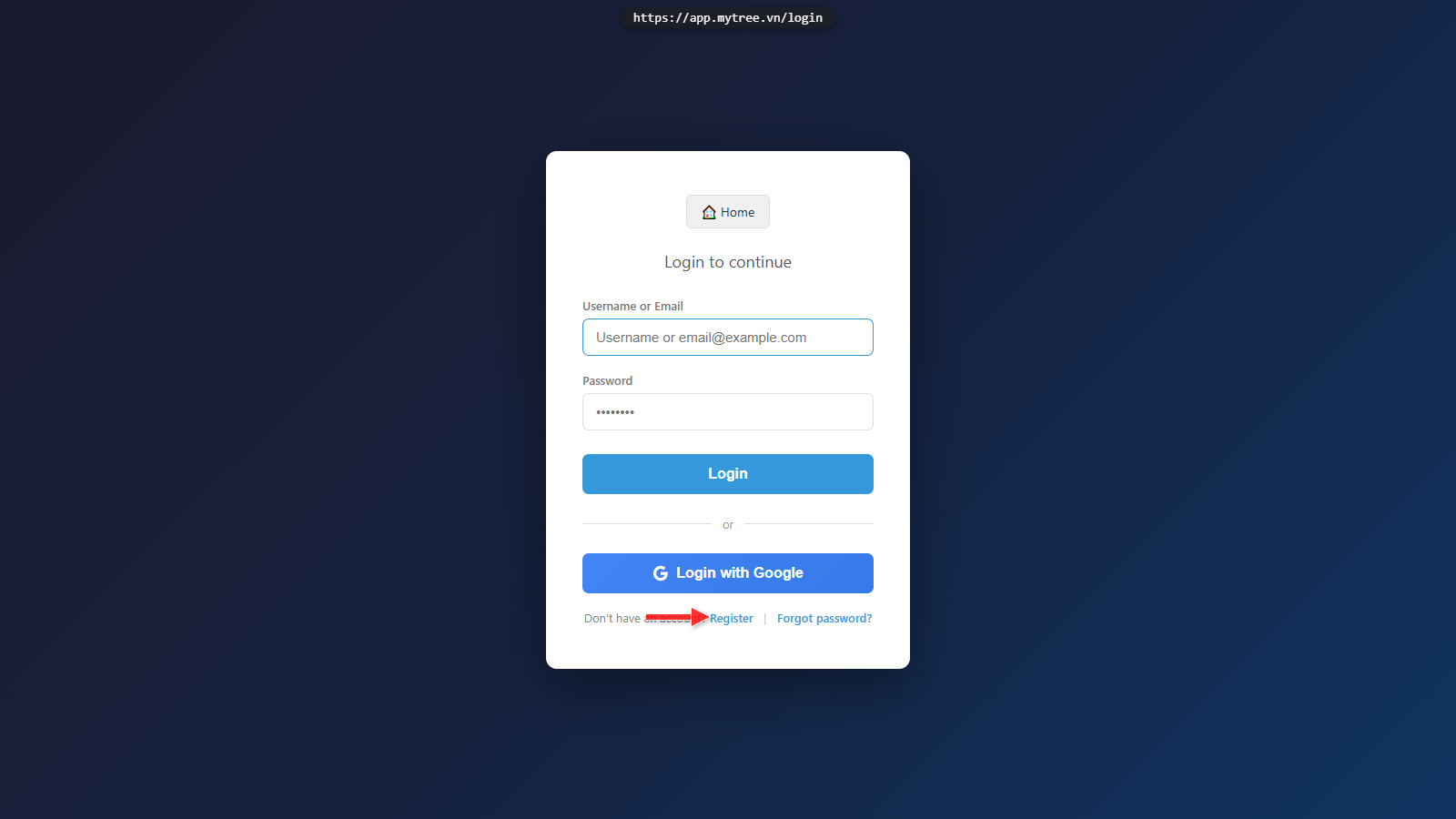
Step 5: Click Register Link
Click Register to create a new account.
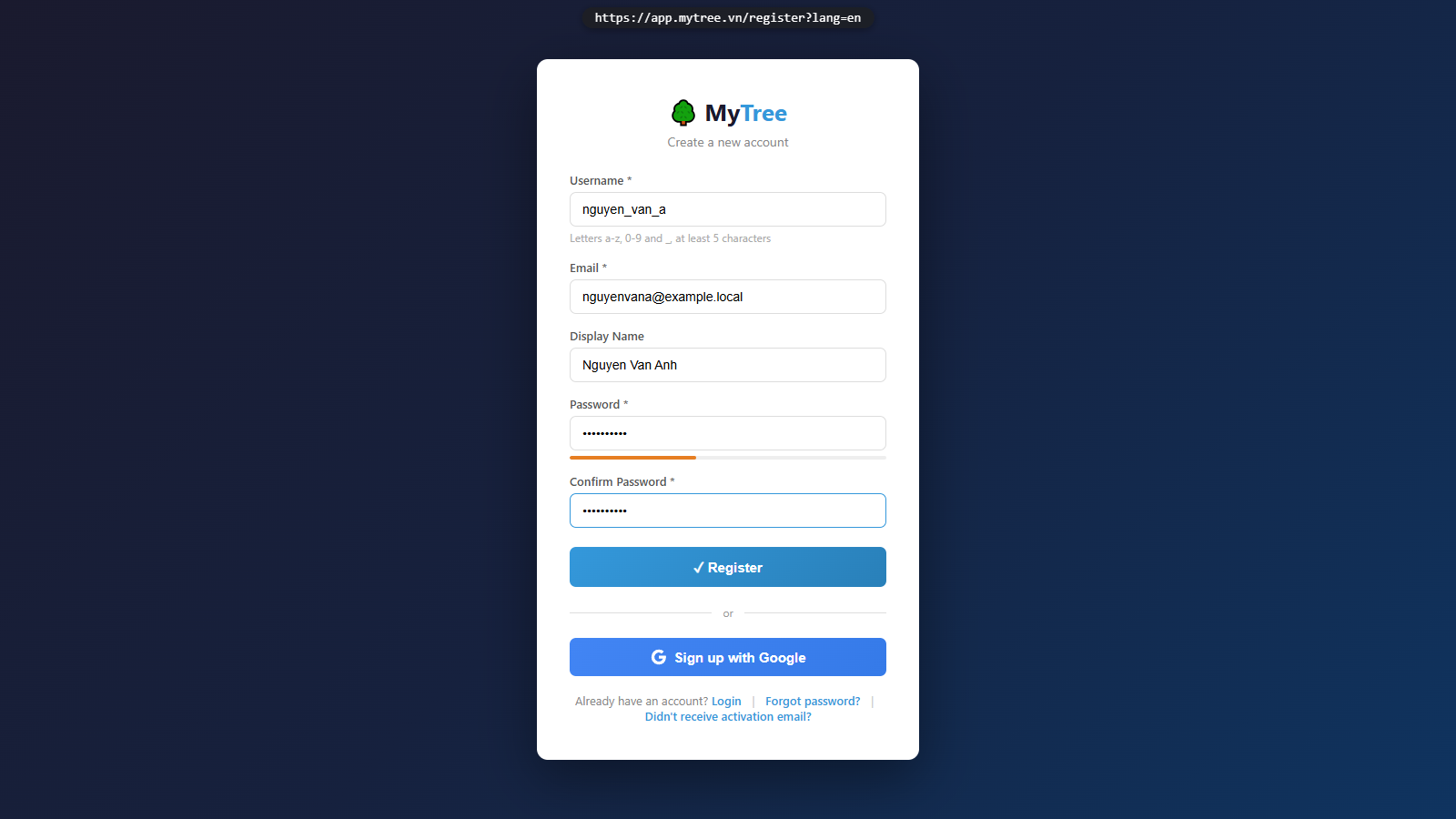
Step 6: Registration Form Filled
Re-enter the password to confirm, then click Register.
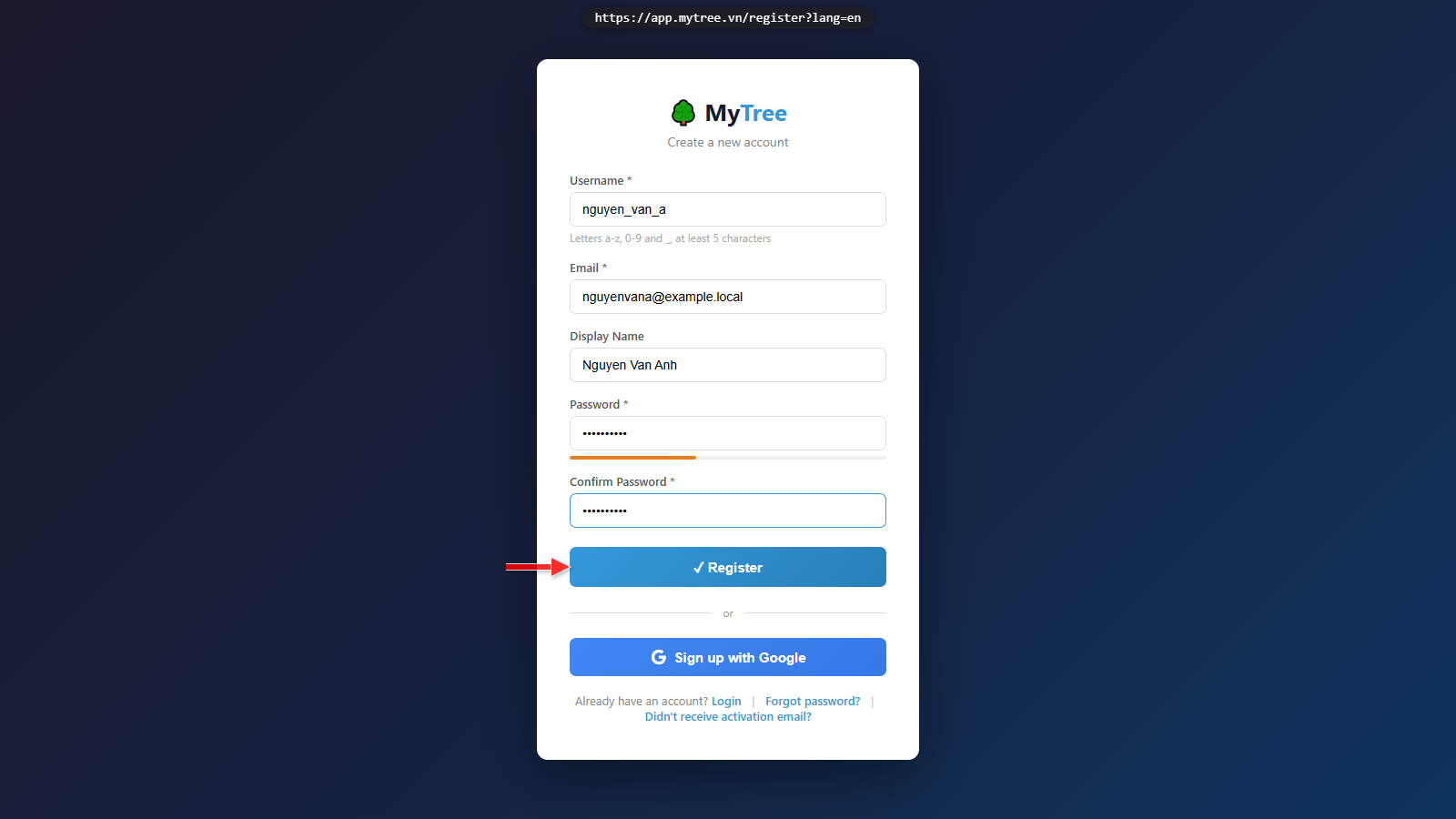
Step 7: Registration Form Filled
Re-enter the password to confirm, then click Register.
Step 8: Registration Success
The system has sent an activation link to your email address. Check your inbox — including the spam folder.

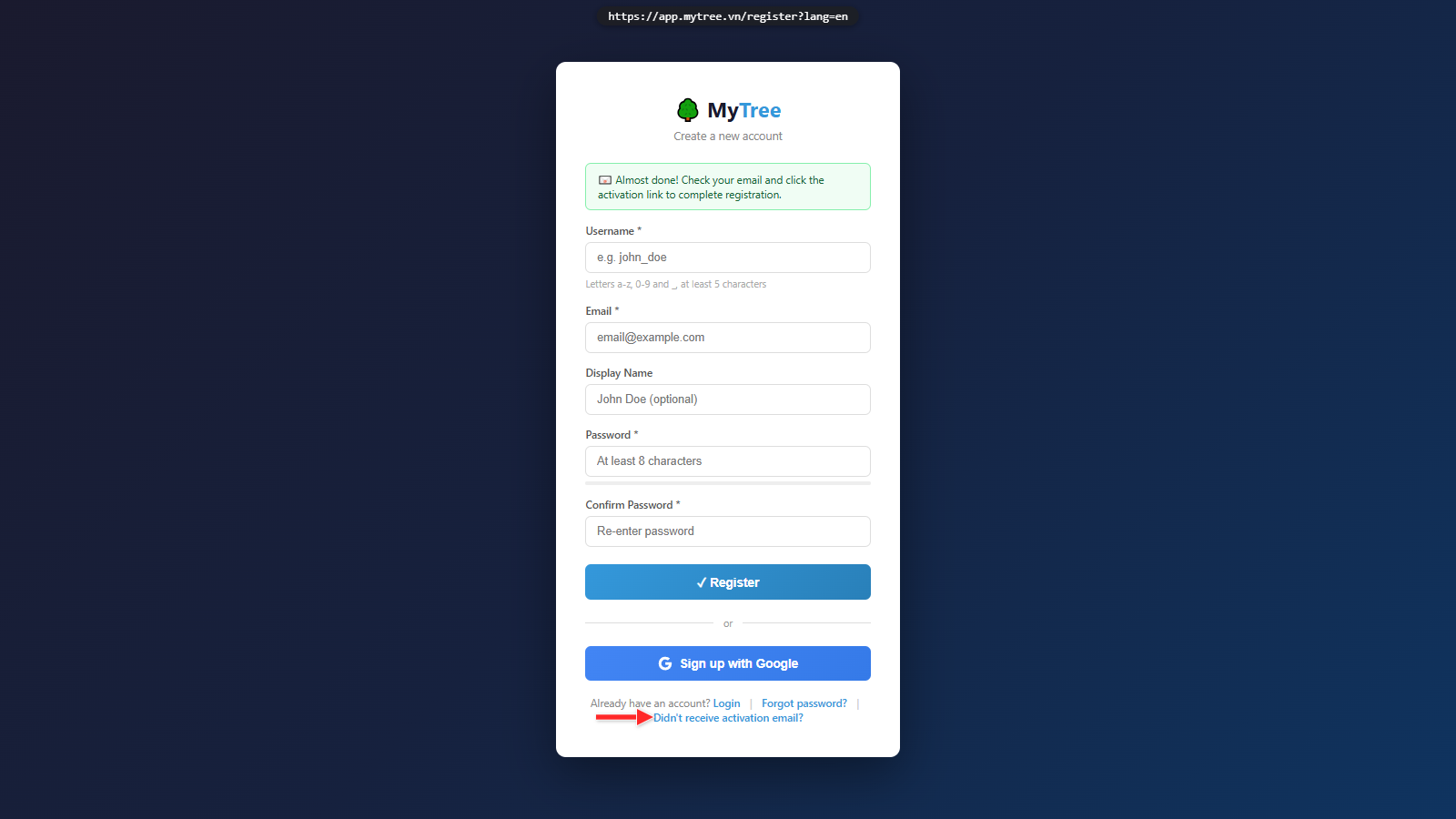
Step 9: Resend Activation Email
If you did not receive the email, click 'Resend Activation Email' to request it again.
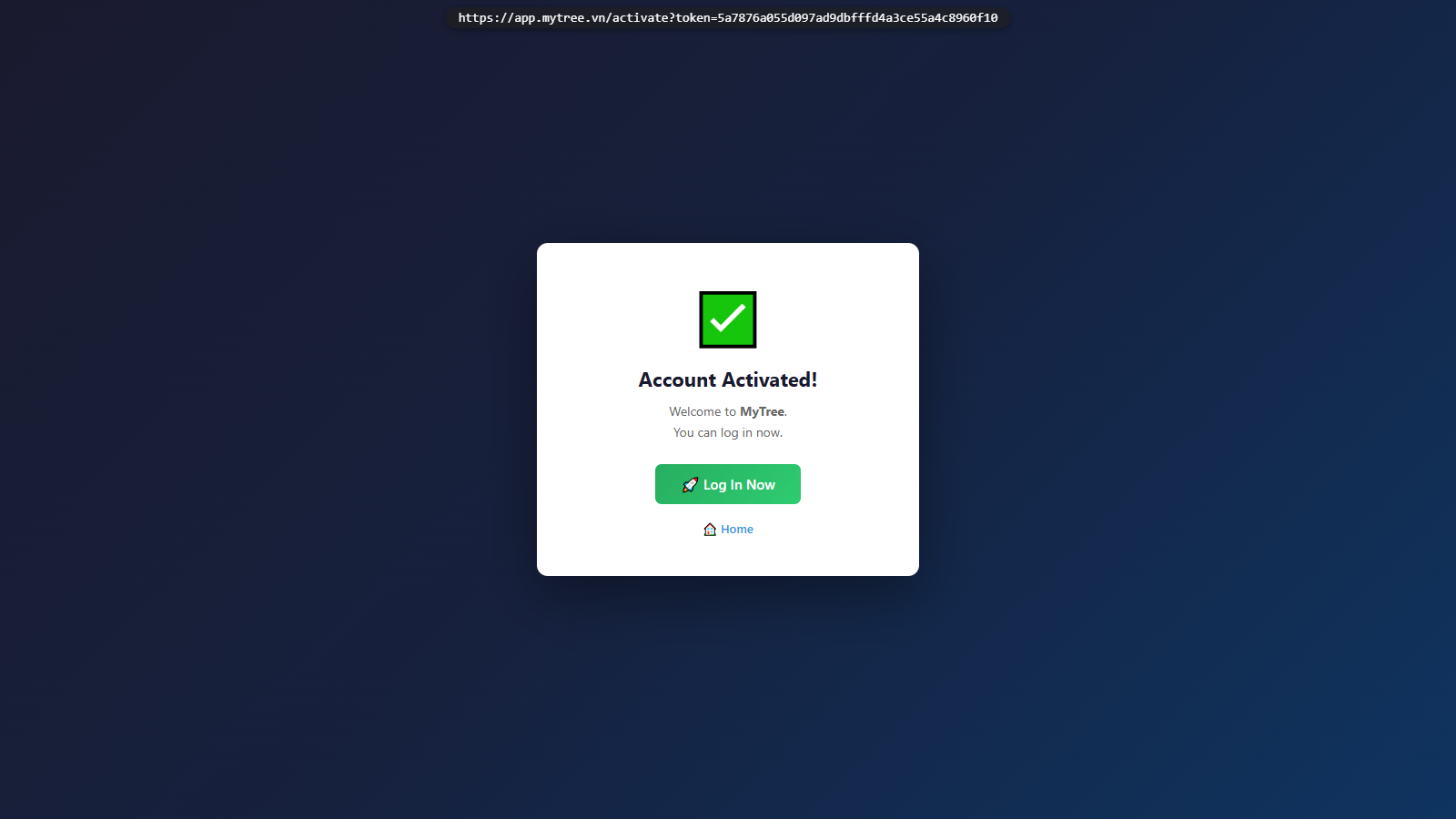
Step 10: Account Activation Confirmed
Your account has been successfully activated. You can now log in.
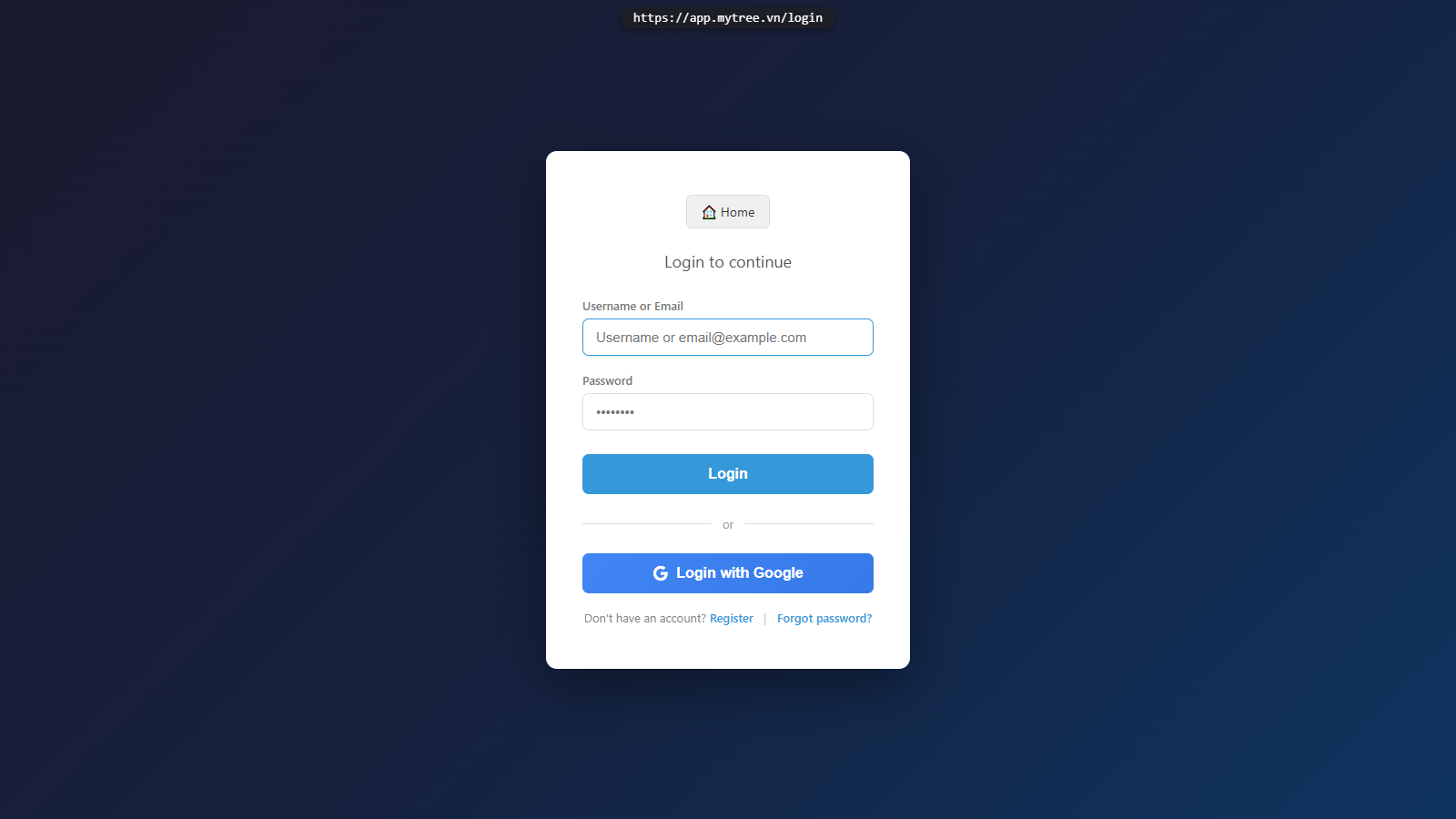
Step 11: Login Page
Go back to the login page.
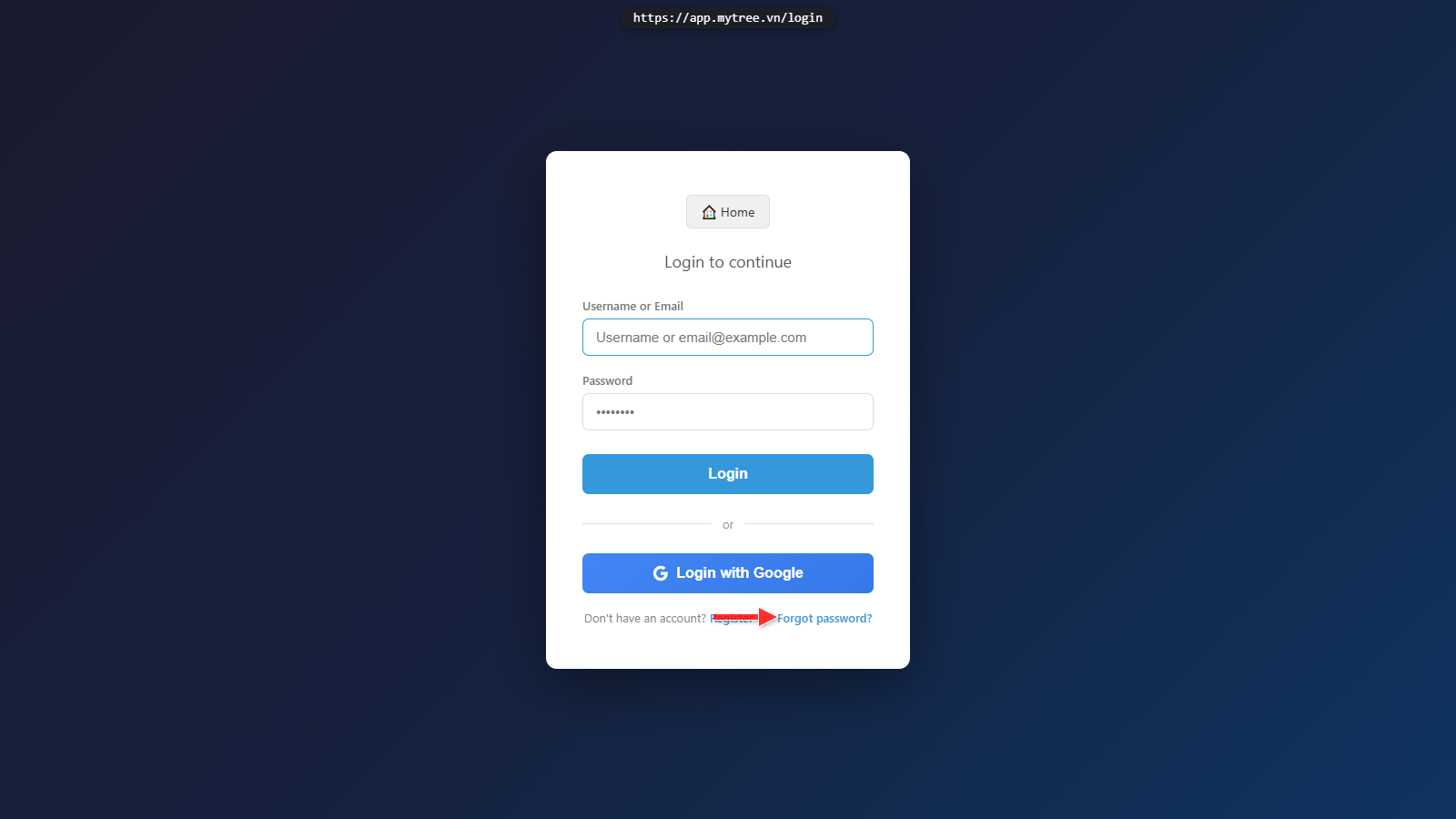
Step 12: Forgot Password Link
If you forgot your password, click the Forgot Password link to reset it via email.
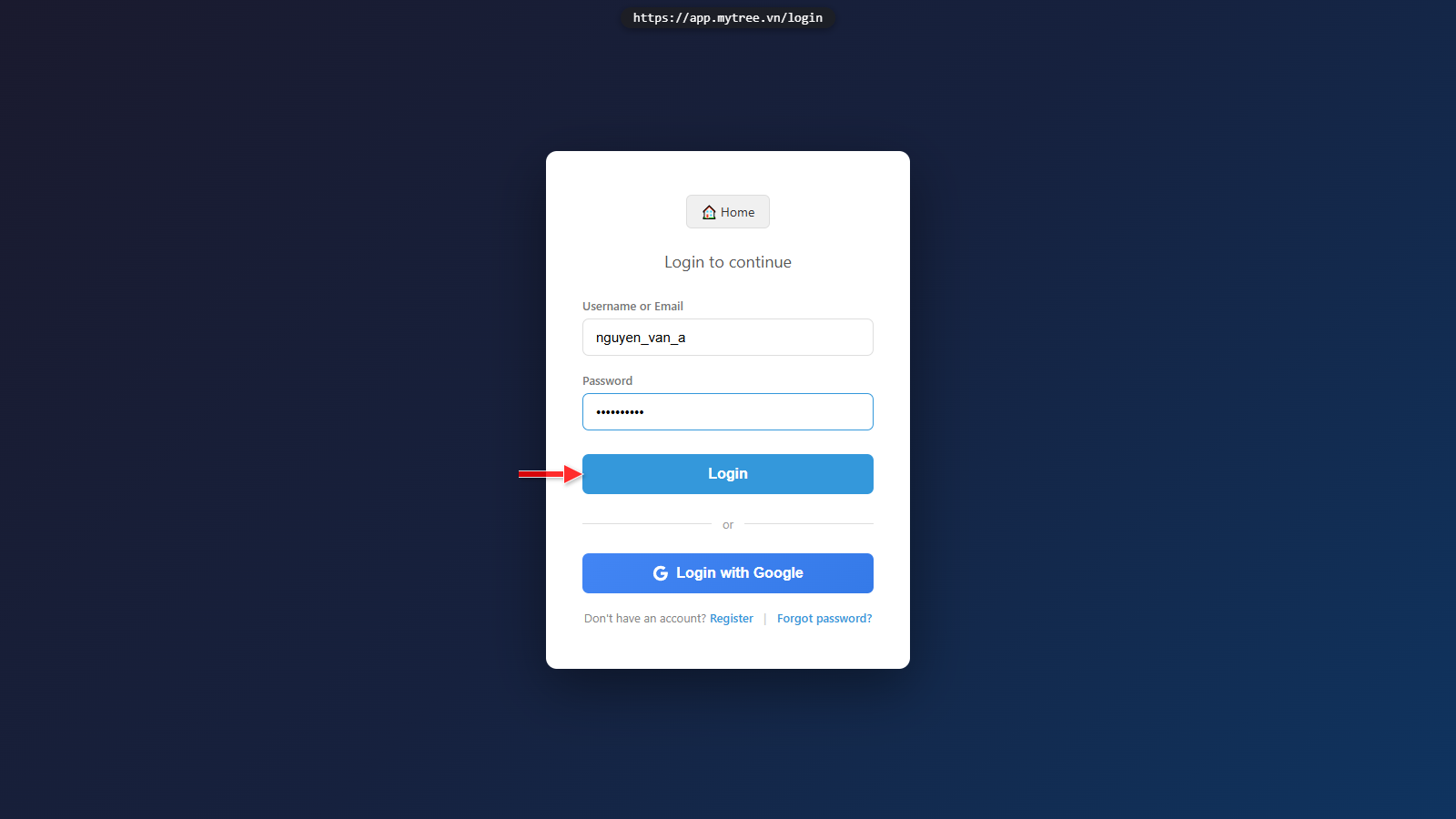
Step 13: Login Form Filled
Enter your username or email and password, then click Log In.
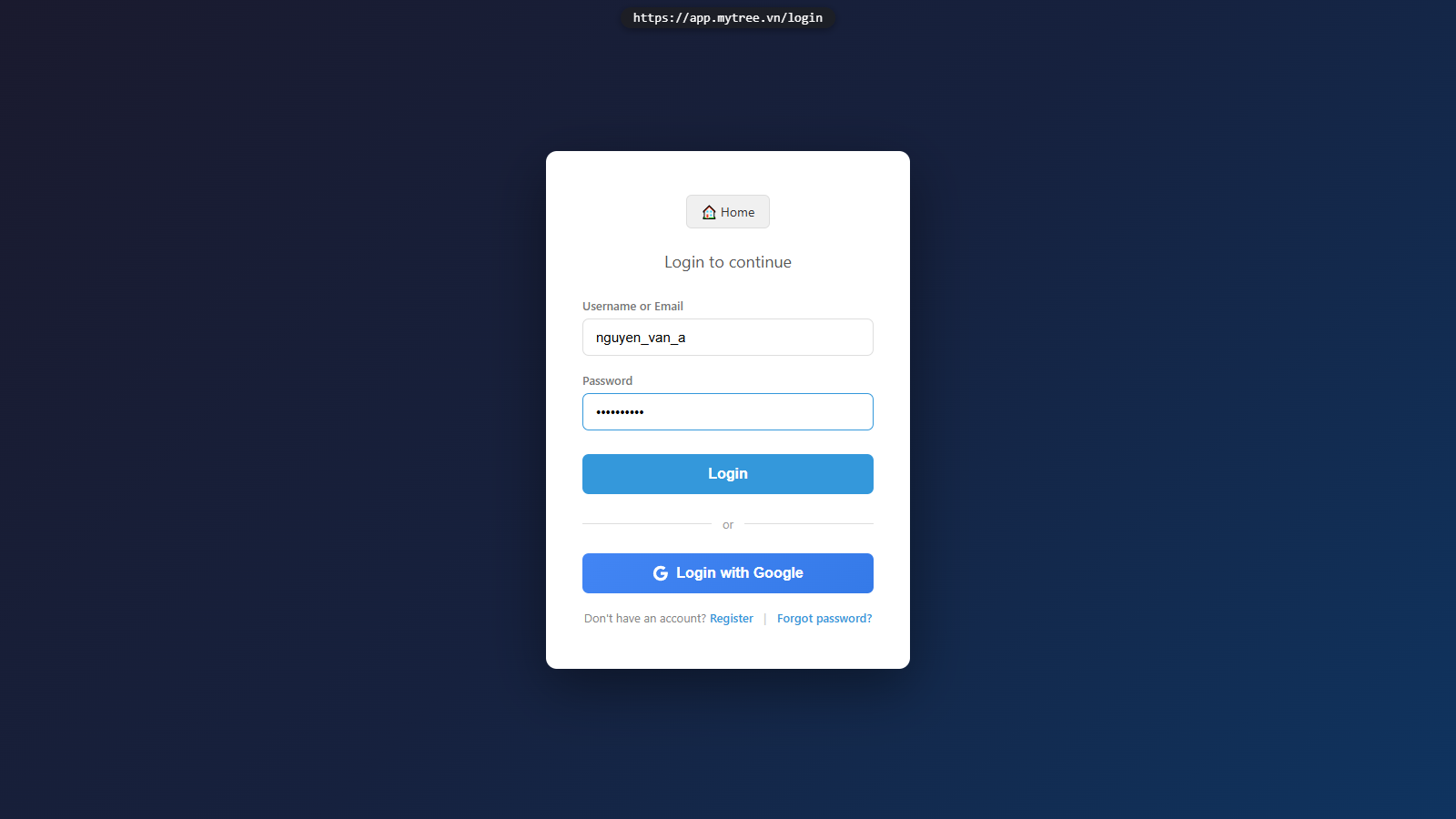
Step 14: Login Form Filled
Enter your username or email and password, then click Log In.
Step 15: Member Dashboard
Login successful! You are now on the member page, where you can create and manage family trees.